RAM Memory Leaks: How AI Detects and Resolves Silent System Freezes

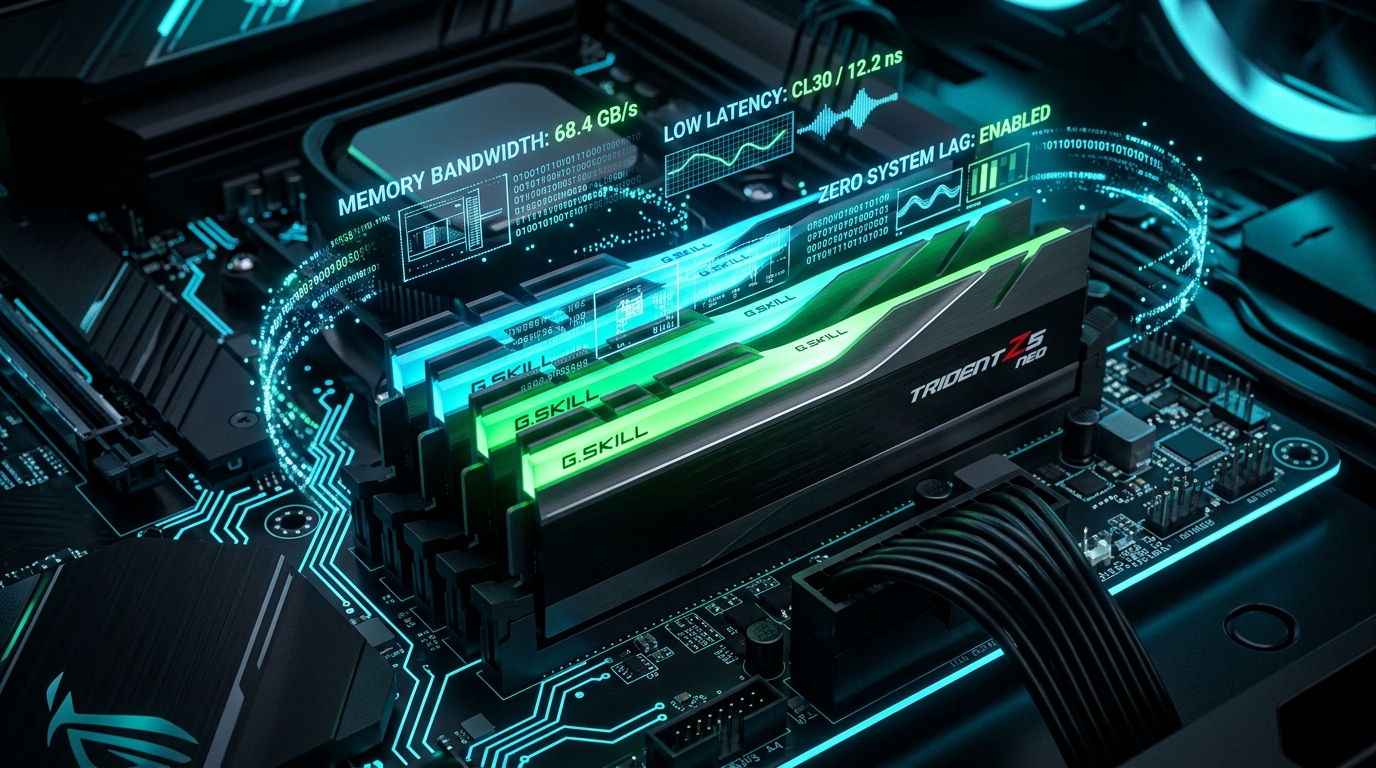
Have you noticed that your computer boots smoothly in the morning, but by the afternoon feels sluggish, stuttering when switching between browser tabs or opening documents? In most cases, aging hardware or viruses are not to blame: the culprit is usually an untracked RAM memory leak inside background software.
1. What Exactly is a Memory Leak?
When an application requires memory to complete a task (such as rendering an image or running a script), it requests a block of RAM from the operating system kernel. Once finished, the program is expected to release that block back into the pool of free memory.
A memory leak happens when software contains programming oversights, such as lost pointers or circular references: the application continuously requests new memory allocations without releasing obsolete ones. Over several hours, a utility designed to consume 150 MB can silently balloon to 2 GB, 4 GB, or more.
2. The Hidden Cost: Virtual Memory Paging Thrash
When physical RAM occupancy climbs past 90%, the operating system offloads inactive pages onto the SSD or hard disk using the paging file (pagefile.sys).
Even the fastest PCIe NVMe drive is vastly slower than system DDR4/DDR5 RAM. When the OS enters continuous swapping (known as memory thrashing), cursor movement stutters, audio drops frames, and windows take several seconds to render.
3. How AI Detects Leaks That Escape Human Inspection
Modern applications spawn dozens of nested child processes (e.g., modern web browsers and desktop communication suites). AI models monitor time-series trends rather than single numbers:
- Uninterrupted Growth Vectors: If an application accumulates +30 MB every 15 minutes while the computer is idle and CPU load is below 1%, machine learning models identify an active memory leak with high confidence.
- Orphan Process Resolution: Closed applications that fail to terminate auxiliary subroutines are flagged for safe cleanup.
- Intelligent Working Set Trimming: Operating systems utilize predictive models to release abandoned working-set caches without harming foreground responsiveness.
Clean Optimization with PruPru
Our free PruPru.exe utility flushes obsolete cache structures and detects stuck services in seconds, completely free of ads and resident bloat.
Download PruPru.exe Free →Frequently Asked Questions
Do third-party 'RAM Booster' tools work?
Most legacy RAM cleaners cause more harm than good: they forcefully dump active application memory to the storage drive, triggering instant lag the moment you switch back to your apps. The proper fix is isolating and terminating the leaky process.
How much RAM is recommended in 2026?
For modern multi-tab web browsing and everyday office productivity, 16 GB is the recommended baseline. For heavy creative workflows and developer tools, 32 GB provides the headroom needed to prevent memory pressure.