HDD or SSD: is it worth upgrading, and what's the real difference day to day

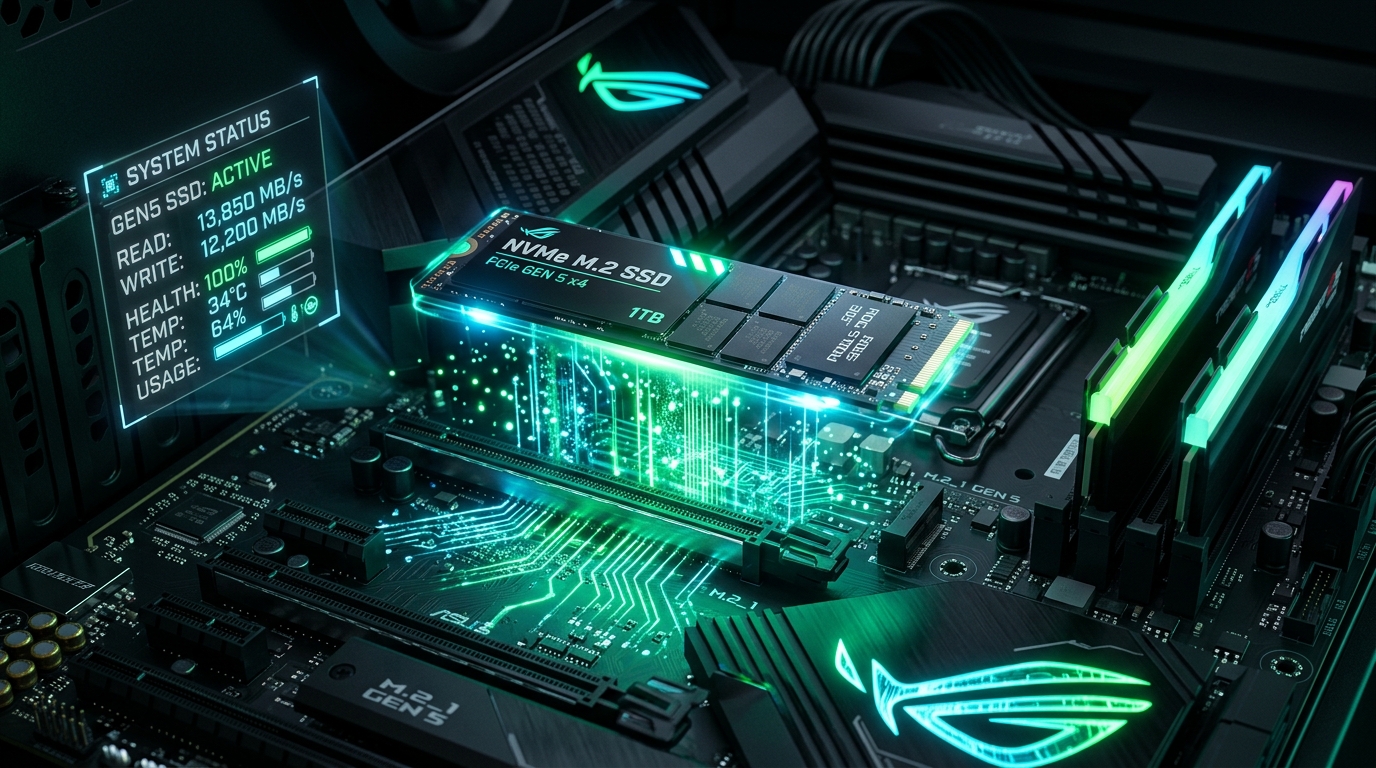
A traditional HDD is a mechanical disk that physically spins to read and write data — which is why it's slower and more sensitive to drops. An SSD has no moving parts, reads and writes data electronically, and that completely changes the speed of everything: booting Windows, opening programs, copying files.
What changes day to day
- Windows boot: from 2-3 minutes on an HDD to 10-20 seconds on an SSD
- Opening heavy programs (Excel with large spreadsheets, image editors): nearly instant
- Copying large folders: several times faster
- Less noise and less heat, because there's no spinning part
Is it worth replacing an HDD with an SSD?
In the vast majority of cases, yes — it's the best cost-benefit hardware upgrade available today for anyone who feels their PC is slow. A reasonable-capacity SATA SSD costs much less than a new laptop, and the speed gain is felt immediately, without having to reinstall everything from scratch (you can clone the current disk).
When it's NOT worth upgrading
If the computer is already more than 7-8 years old and shows other signs of wear (constant overheating, random shutdowns), an SSD alone may not fix it — in that case, it's worth considering replacing the whole machine.
PruPru.exe — free diagnostics
Before deciding to replace hardware, run our free diagnostic and see exactly what's limiting your PC — disk, memory, temperature, or startup.
Download PruPru.exe free →