Automated Backups and AI Validation: Why Traditional Backups Fail When You Need Them Most

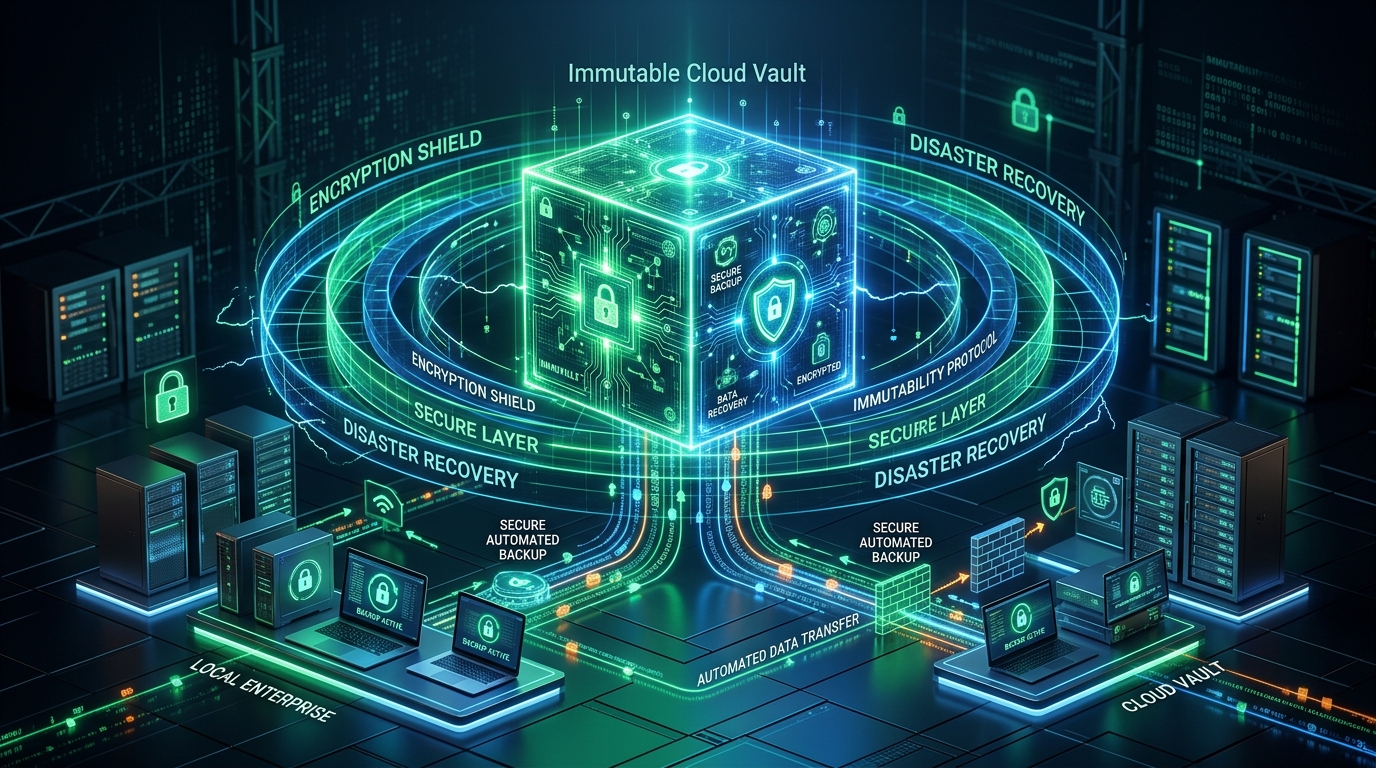
There is a timeless adage in enterprise IT that remains truer than ever: "The only thing worse than having no backup is believing your backup is working when it actually isn't".
Industry disaster-recovery studies indicate that between 30% and 40% of all data restoration attempts encounter unexpected failures. The backup archive is visible, the progress bar indicated completion, but the files retrieved are corrupted, incomplete, or damaged. In 2026, AI-assisted automated backup validation is eliminating this critical vulnerability.
1. Why Traditional Backups Silently Fail
Conventional backup utilities merely confirm that raw bytes were written to the target storage volume. They fail to account for hidden failure modes:
- Bit Rot and Silent Degradation: Microscopic electromagnetic decay corrupts underlying storage blocks without triggering standard operating system errors.
- Inconsistent Snapshots of Open Files: Active databases, virtual machine disks, and mailbox files captured mid-write often result in corrupted header structures.
- Dormant Ransomware Contamination: Advanced ransomware frequently sleeps within an enterprise network for 60 to 90 days before executing. Daily backups during that window inevitably overwrite pristine copies with dormant infection payloads.
2. How AI Backup Verification Works
- Automated Sandbox Restoration: AI routines instantiate isolated virtual sandboxes, restoring sample data sets automatically without human intervention.
- Heuristic Content Integrity Auditing: Heuristic models open and evaluate restored documents, spreadsheets, and database headers to verify data coherence.
- Shannon Entropy Anomaly Detection: Machine learning algorithms monitor entropy fluctuations across delta snapshots. A dramatic surge in entropy—the hallmark of encryption—immediately triggers an immutable freeze on verified historic backups.
3. The Timeless 3-2-1 Backup Strategy
- 3 Copies: Maintain primary operational files plus at least 2 distinct backup versions.
- 2 Different Media Types: Store copies across separate storage architectures (e.g., local high-speed NAS + encrypted cloud object storage).
- 1 Offsite & Immutable Copy: Store at least one version offsite with strict write-once-read-many (WORM / Object Lock) protection.
Professional IT Solutions by PruPru
Explore our software engineering and technical solutions designed for speed, resilience, and operational efficiency.
Explore Our Services →Frequently Asked Questions
Is cloud synchronization like OneDrive or Google Drive considered a true backup?
Not by itself. Cloud sync tools replicate file alterations instantly. If an infected file is written or corrupted locally, that state syncs directly to the cloud. True backups preserve point-in-time, immutable recovery points.